How To

Get the most out of Kore.co.

Short video walkthroughs and step-by-step guides for Online Ordering and Reservations. Pick a topic, hit play, and you're set.

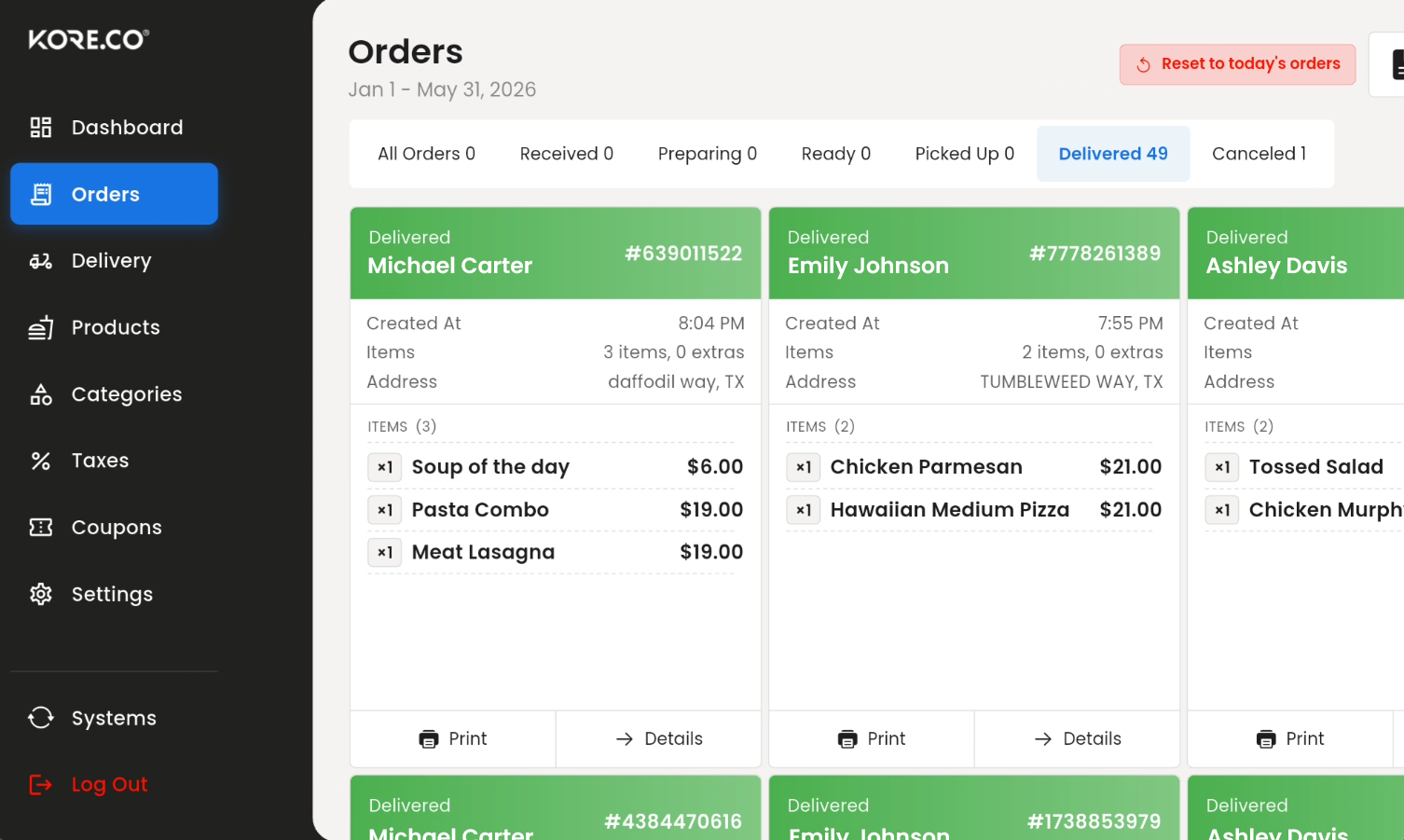
Build your menu, take orders, and run the pass — every part of Online Ordering by Kore.co, explained one short lesson at a time.

Activating Online OrderingWalks through purchasing and activating the Online Ordering app from the KORE App Marketplace, including finding it in the E-Commerce category and selecting your business type.
How to Add a New ProductCovers adding product images and entering product details (name, type, price, category, extras/tax, options, stock) to create and publish a new product.
How to Create & Manage CouponsCovers creating discount coupons — code, discount type/value, usage limits, and sale date ranges — for promotional campaigns.
How to Create a New OrderWalks through manually creating a customer order: entering customer info, adding products, choosing pickup or delivery, and applying discounts/tips.
How to Create Taxes & Flat FeesExplains how to add and manage tax rates and flat fees, choosing between flat-amount and percentage-based fee types.
How to Modify Shipping MethodsDetails configuring shipping and delivery options by destination — weight/flat/price-based rates, free shipping, pickup, and DoorDash delivery.
How to Pause & Resume Accepting OrdersShows how to temporarily pause online orders using a quick duration or a custom schedule, and how to resume accepting orders.
Managing CategoriesExplains how to view, create, edit, enable/disable, and organize categories and subcategories for your online ordering menu.
Managing Countries and Tax SettingsShows how to enable countries for your online store, configure country-level tax settings, abbreviations, and manage state tax rates.
Refunding an OrderA step-by-step guide for locating a customer order and processing a refund in KORE Online Ordering — covering accessing the Orders page, viewing order details, starting a refund, selecting the correct invoice (original vs. tip), and completing a full-amount refund.

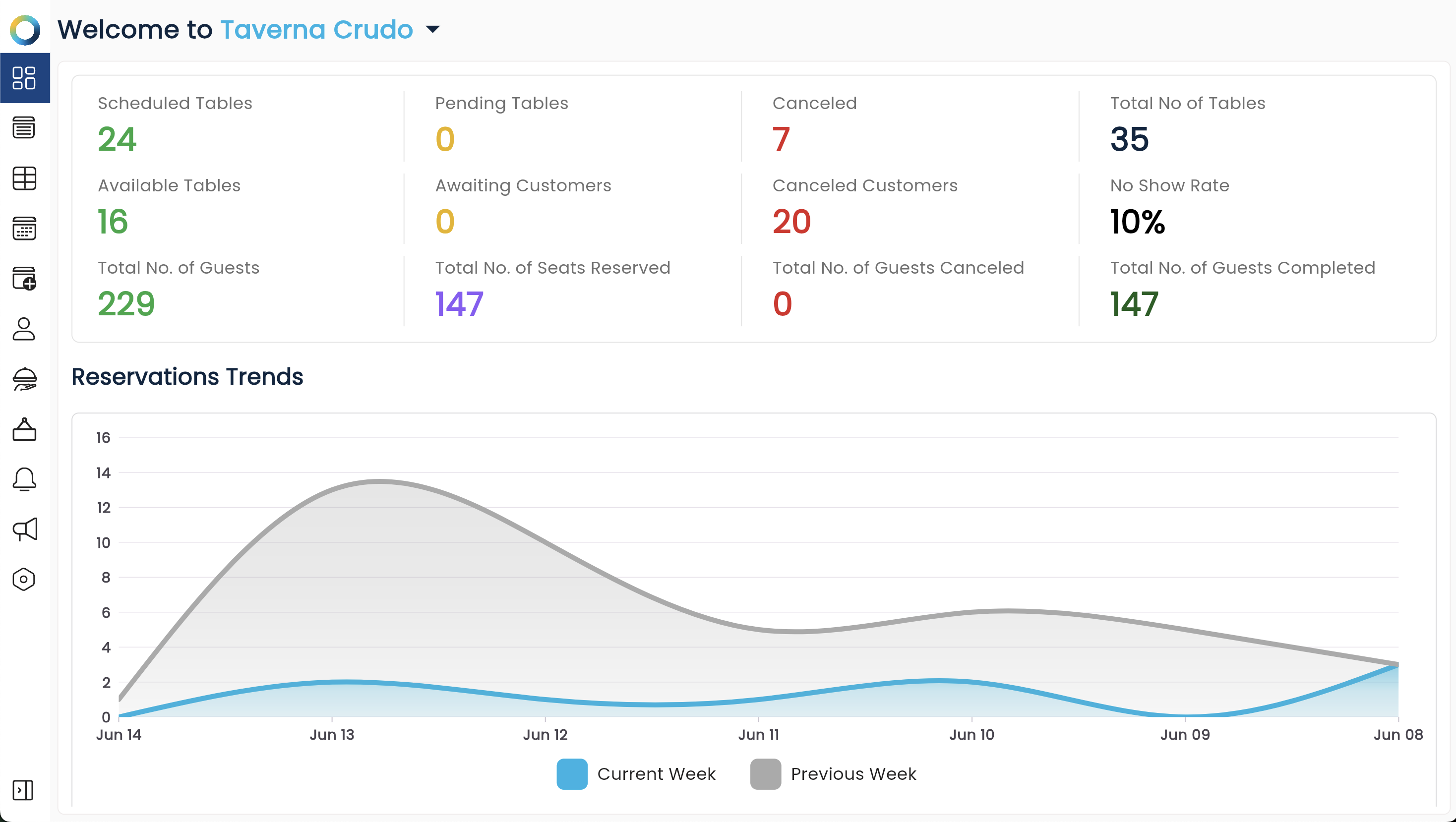
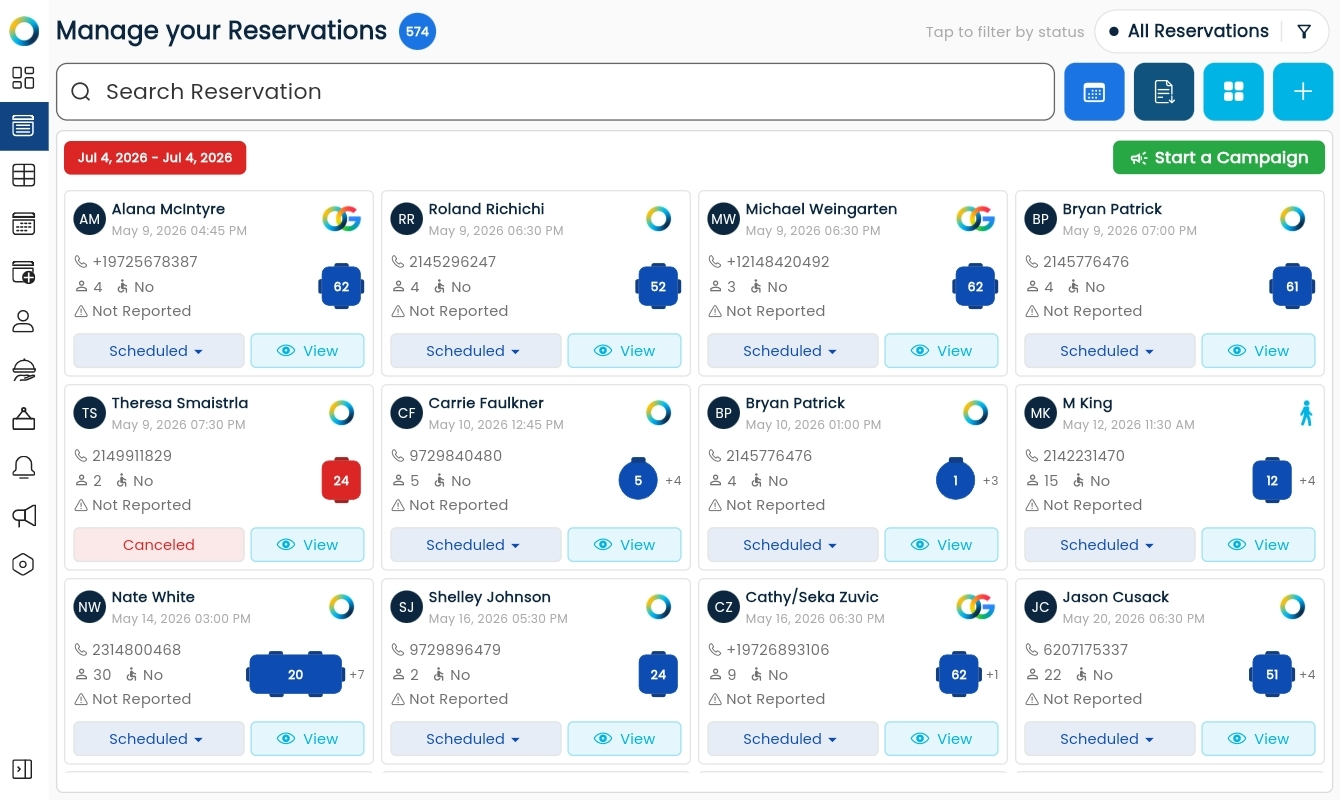
From first-time setup to floor layouts and integrations — everything you need to master Reservations by Kore.co, step by step.

First-Time Setup GuideWalks new users through initial configuration: syncing the calendar, setting reservation rules (min/max guests, rebooking time), and arranging dining sections with staff assignments.
How to Add & Assign EmployeesExplains how to create employee records and assign staff to specific restaurant sections within the reservation system.
How to Charge Your ReservationsDetails integrating iPaymer for payments and configuring charge rules (charge after vs. immediately, per reservation vs. per customer).
How to Control Your AvailabilityCovers setting opening/closing days and operating hours so the reservation calendar reflects the restaurant's real schedule.
How to Design Your Floor LayoutGuides users through building a custom floor plan — placing tables, setting seat counts, and adding elements like doors, bars, and walls.
How to Integrate Sendbat & SMS MessagingCovers connecting the Sendbat app, purchasing a phone number, and enabling SMS notifications for reservations.
How to Integrate with Google BookingsExplains activating Google Bookings, entering business details, and saving the integration so the restaurant appears on Google Reservations.
How to Obtain an iPaymer API KeyStep-by-step instructions for generating an iPaymer API key needed to connect third-party apps, including Reservation by Kore.
Managing Existing CustomersShows how to view and edit customer records, update statuses, review reservation history, leave notes, and create quick reservations.
Reservation: Create a CampaignExplains setting up promotional SMS campaigns, defining target audiences by visit recency/frequency, and managing campaigns from the dashboard.
Reservation: How to Create a ServiceDescribes creating a "Service" tying reservation availability to specific sections, days, and time ranges.
Approve or Deny a Pending ReservationDetails how to review a pending reservation and either approve it by scheduling the table or deny it, with automatic customer notification.
Control Your AvailabilityExplains how to mark specific dates as opening or closing days, setting custom hours for special events or closing for holidays and maintenance.
Create a CampaignHow to build, preview, and launch a customer marketing campaign.
Create a New SectionHow to create a section, assign tables to it, and set its operating hours.
First-Time Setup GuideWalks new users through initial configuration: syncing the calendar, setting reservation rules (min/max guests, rebooking time), and arranging dining sections with staff assignments.
How to Charge Your ReservationsDetails integrating iPaymer for payments and configuring charge rules (charge after vs. immediately, per reservation vs. per customer).
How to Design Your Floor LayoutGuides users through building a custom floor plan — placing tables, setting seat counts, and adding elements like doors, bars, and walls.
Manage Operation HoursExplains how to configure daily reservation availability and set opening and closing times for each section.
Manage Reservation SettingsHow to set min/max guest counts and table rebooking wait time.
Manage Table AvailabilityHow to block and unblock tables for reservations.
Managing Existing CustomersCovers viewing and editing customer profiles, statuses, tags, notes, reservation history, and blacklisting.
Notify a Waitlisted CustomerExplains how to alert a customer on the waitlist that their table is ready, including setting an estimated wait time before sending the notification.
Reservation PreferencesHow to configure table selection, auto-approval, waitlist, and contact settings.
Seat a CustomerWalks through confirming guest arrival and marking a reservation as Seated, assigning the customer to their table.
Send a Message to a CustomerCovers how to open a customer's conversation panel and send them a direct message from within the reservation system.
Top Up Your WalletHow to add funds to your Reservation by Kore wallet.

Set up business phone numbers and smart call routing — everything you need to get started with Sendbat by Kore.co.

Adding and Importing ContactsA guide for adding and importing contacts in Sendbat by KORE — covering accessing the Contacts page, adding an individual contact (name, phone, email), bulk-importing contacts via CSV/XLS/XLSX, mapping contact fields, and organizing contacts with tags and groups.
Create Campaigns with AITurn a simple prompt into a ready-to-launch multi-channel campaign in minutes.
How to Add a Business Phone NumberA quick step-by-step guide for purchasing and setting up a new business phone number in Sendbat by Kore.co — covering navigating to Phone Numbers in Settings, entering details like call forwarding number and area code, and completing the purchase.
How to Add an Auto AttendantA step-by-step guide for creating an Auto Attendant to automatically route incoming calls in Sendbat by Kore.co — covering navigation to Auto Attendants, configuring call routing options (e.g., User, Voicemail, Call Queue, AI Agent), setting a greeting, and saving the configuration.
How to Create a New WorkspaceA guide for creating and managing a new workspace in Sendbat — covering signing in, creating a workspace (naming it and specifying whether it's for yourself or someone else), and switching between existing workspaces from the sidebar.
How to Create an AI AssistantA step-by-step guide for setting up a new AI Assistant in the Phone System — covering configuring the assistant (name, greeting message, reservation integration, restaurant site), entering business information (address, phone, call transfer number), creating the assistant, and reviewing saved call contacts and transcripts.
How to Create and Assign TagsA guide for creating tags and assigning them to contacts in Sendbat — covering accessing Tags in Settings, creating a new tag (name and color), and assigning a tag to a contact for better organization and contact management.
How to Create Custom FieldsA guide for creating custom fields and assigning them to contacts in Sendbat — covering accessing Custom Fields in Settings, creating a new field (name, shortcode, input type), and assigning/updating a field's value on a contact record.
How to Navigate Contact StatusesA guide for viewing and managing contact conversation statuses in Sendbat — covering accessing the Contacts list, reading the Status column, and understanding how statuses update automatically (e.g., to 'In Conversation') versus when manually set.
How to Use Saved Replies (Templates)A guide for creating and using Saved Replies (Templates) in Sendbat — covering inserting existing templates into a conversation, creating new templates with personalization shortcodes (e.g., {{first_name}}), and using Quick Replies for the Web Chat channel.
Manage Campaign AutomationSet it and forget it: schedule automated SMS, Email, and Voicemail campaigns in advance.
Navigate AI BookingLet AI handle appointment scheduling — from offering time slots to sending confirmations.
Send Messages Across ChannelsReach every contact through SMS, WhatsApp, and Email — all from one conversation window.
Use AI Response LibrariesTeach your AI to reply instantly to common keywords, so no message goes unanswered.

High-Performance Hospitality.

Handled.

Table Reservations
Restaurants Switching From Per-Cover Reservation Platforms Can Save Thousands Per Year While Keeping 100% Of Their Guest Data.
Online Ordering & Delivery
A Restaurant Processing $60K Per Month Can Save ~$7,900 Per Year By Switching From 2.9% To Kore's 1.8% Processing Rate, Before Counting Time Saved Or Tools Replaced.
Payments & Processing
A Restaurant Processing $60K Per Month Can Save ~$7,900 Per Year By Switching From 2.9% To Kore's 1.8% Processing Rate, Before Counting Time Saved Or Tools Replaced.
Reviews & Reputation
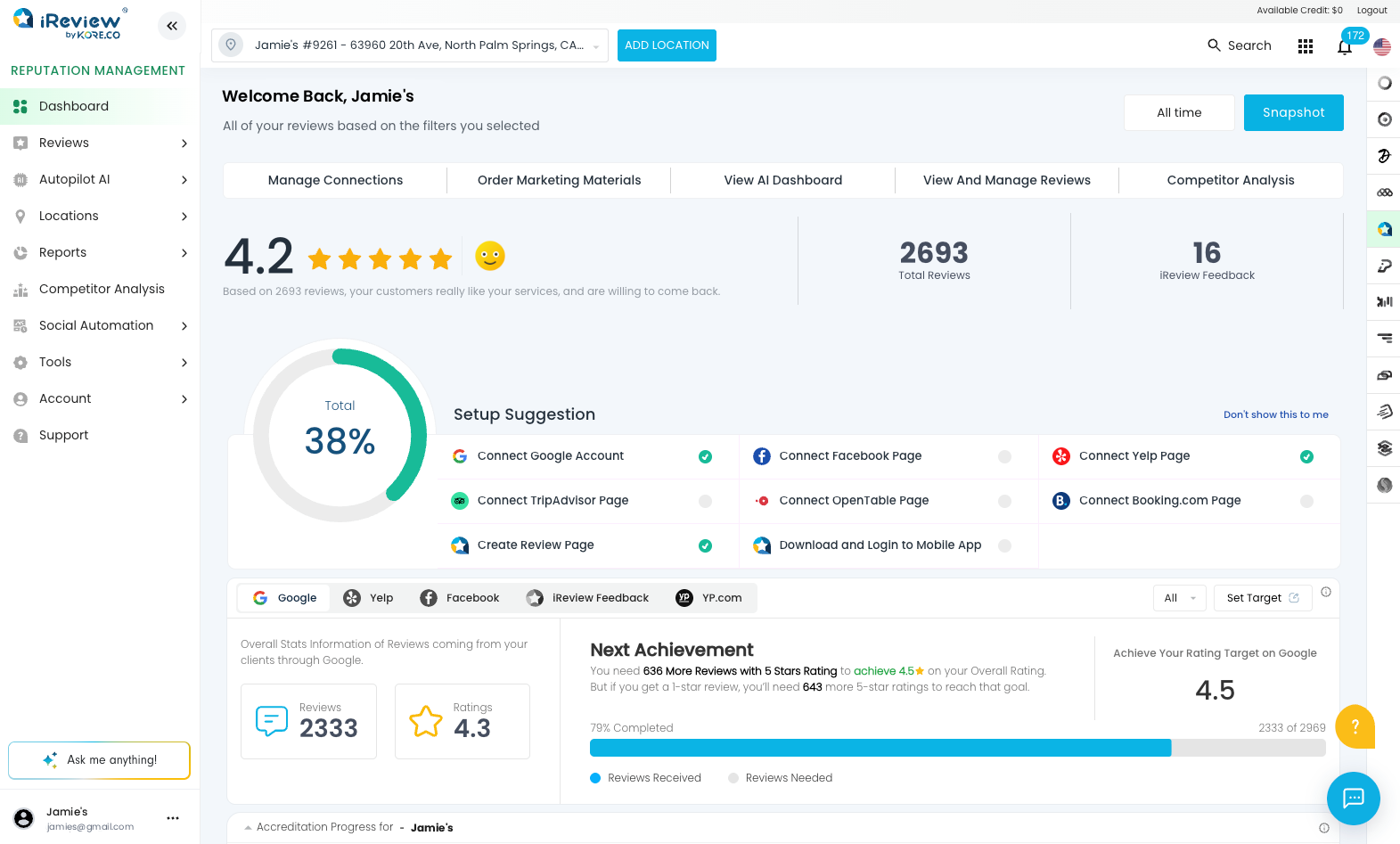
Restaurants With Active Review Management Grow Up To 35% Faster Than Those That Ignore Reviews.
SMS & Email Marketing
Restaurants Using SMS Alongside Email See 20 - 30% Higher Engagement Than Email-Only Campaigns.
Design & Web Development
Restaurants Can Save Up To 70% Compared To Traditional Agency Pricing While Getting Consistent, Professional Design.

Tell us about your restaurant to get your custom quote.

location-icon
I'm a restaurant owner or manager
I provide services to restaurants
Other
kore

Request Received

A Kore specialist will contact you within 24 hours to discuss your needs and provide a tailored quote.

New Chat edit-icon

Kore AI Chat

stars

Hi, how can I help you?

New Chat

Creating a new chat will permanently remove all messages and cannot be undone. This action cannot be reversed, so please make sure you want to proceed.